
Enabling the LINE Messaging API
Login to the LINE developers console using your LINE credentials and follow the below steps.
Create a Line channel of type 'messaging API' and connect it with SMS-Magic - Requires all steps
Use an already created channel of type messaging API and connect it with SMS-Magic - You can directly start from step 6 if you are planning to use the existing created channel of type ‘Messaging API’.
Click on the ”+ Create New Provider” button. A provider acts as a container of LINE apps.
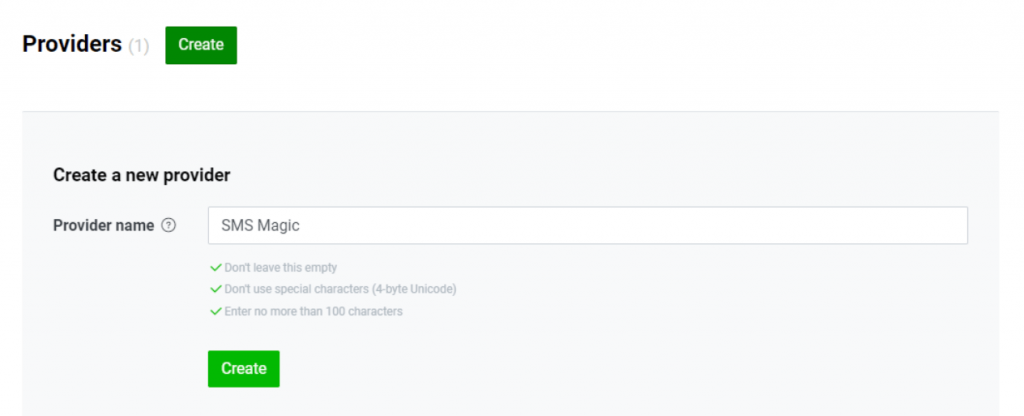
Enter the required details and click on the “Create” button
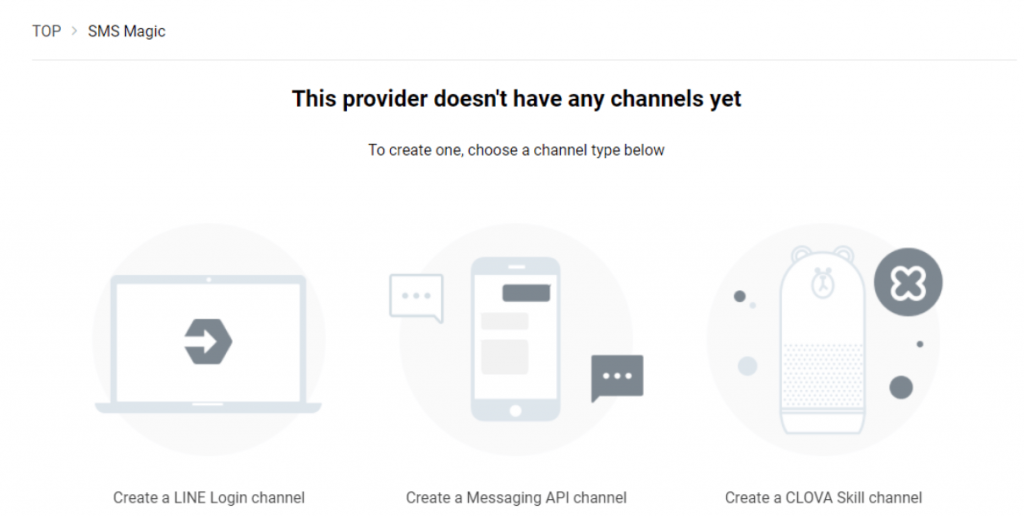
Next, select “Create Channel” for the Messaging API option
Fill in these details for your new LINE app. These details will be visible to end-users as your business profile information.
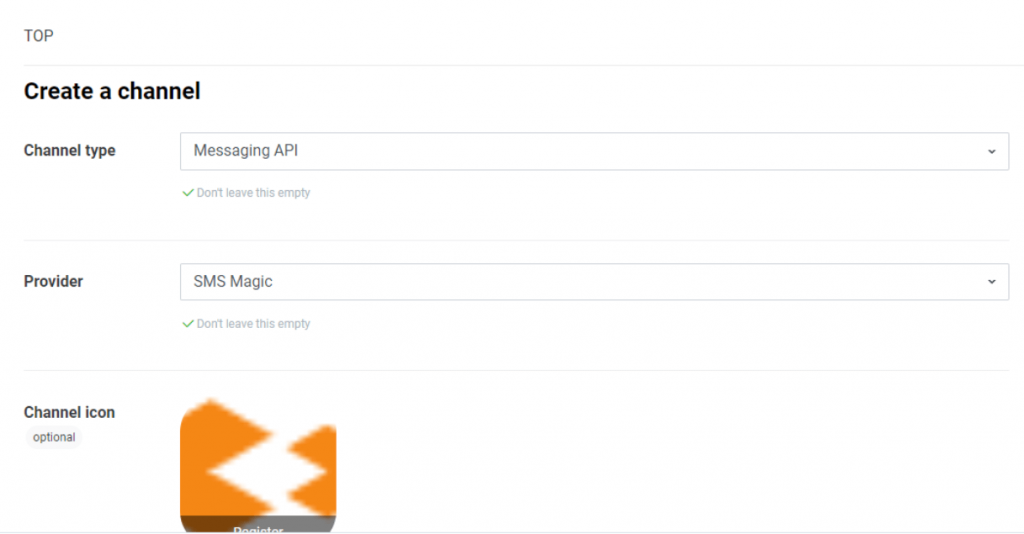
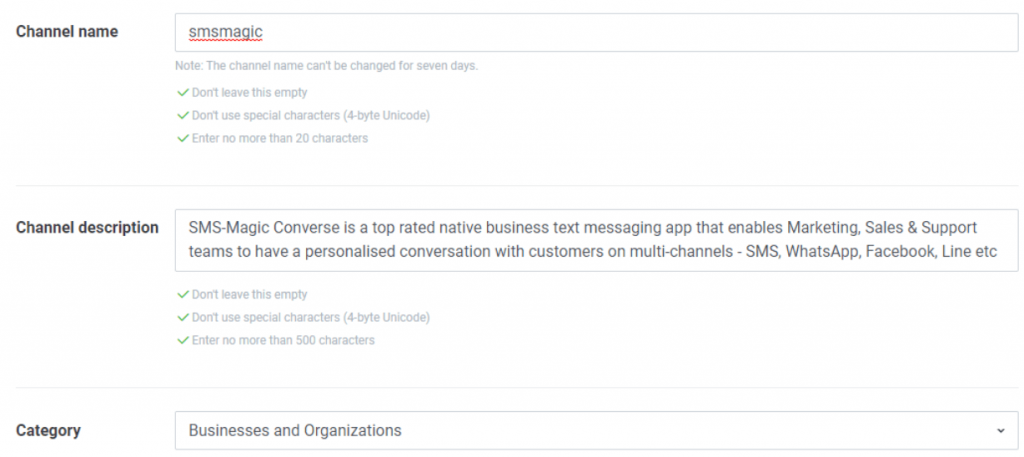
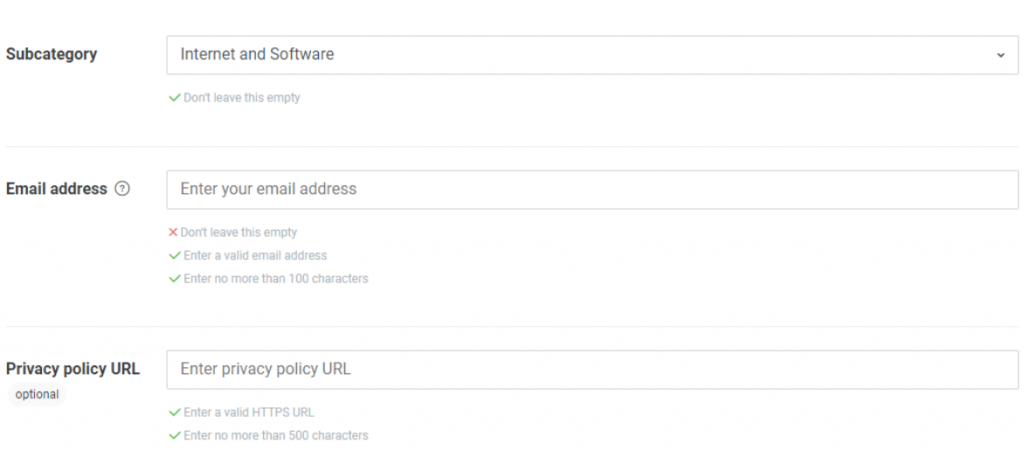
Next, review the Terms of Use, click to accept them, and then click on the “Create” button
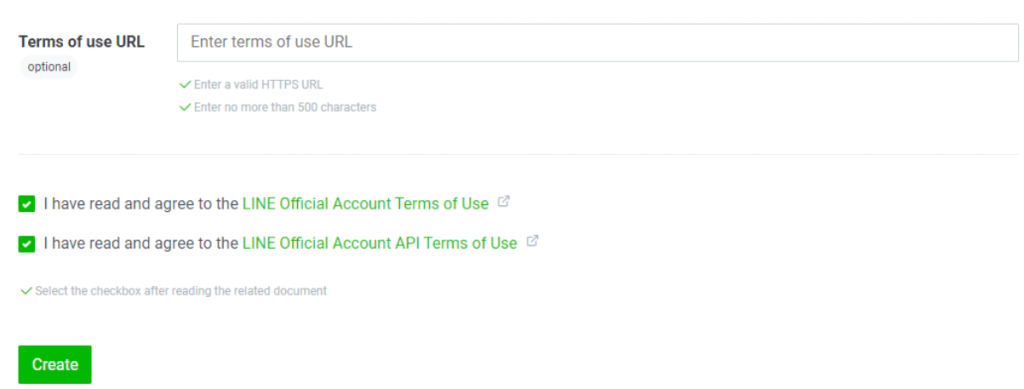
Now select your newly created app/provider
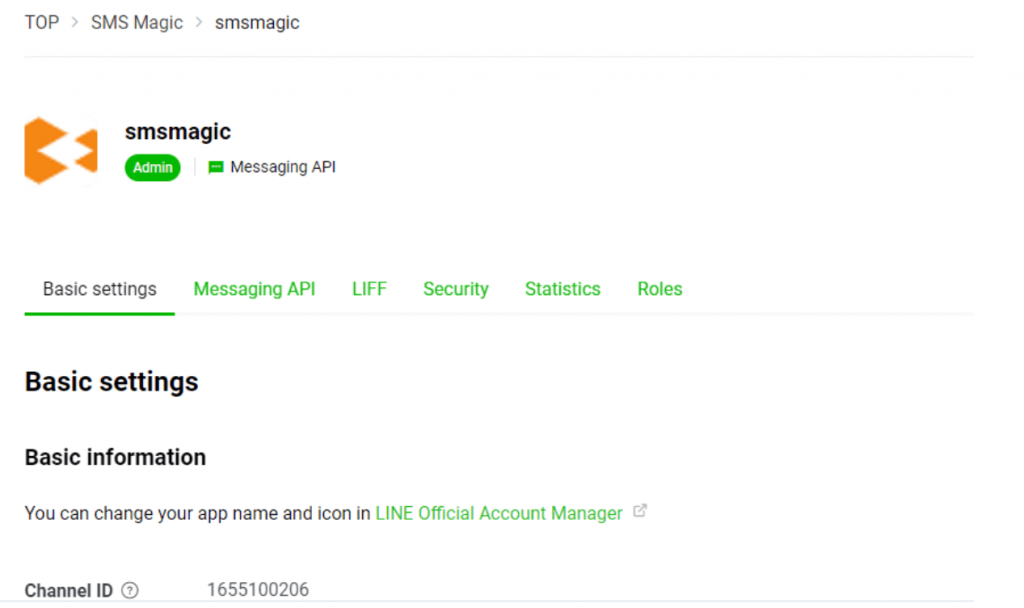
The Messaging API section displays your channel Bot ID as shown below. LINE recipients can search for your business channels with this ID.
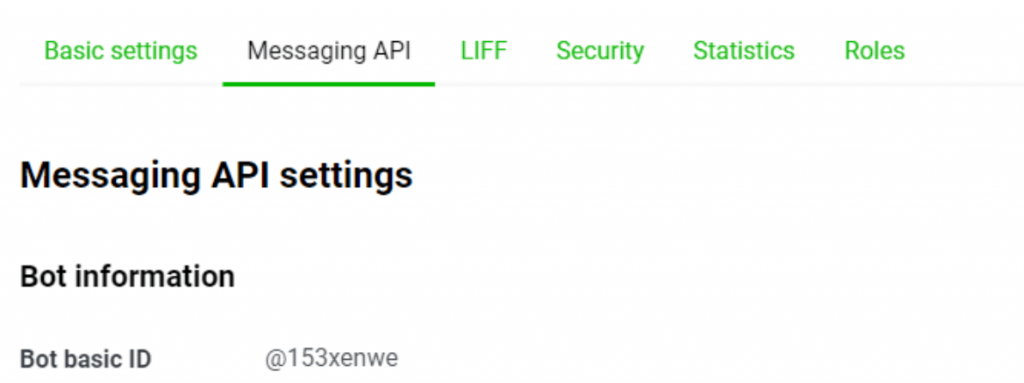
Among the options locate the “Messaging API” section and then issue a “Channel access token” by clicking on the ‘Issue’ button


Next, enable the use of webhooks by adding the webhook URL in Webhook settings under the ‘Messaging API’ section.
US Webhook URL: https://api.sms-magic.com/messages/incoming/line
Australia Webhook URL: https://aus-api.sms-magic.com/messages/incoming/line
Europe Webhook URL: https://eu.api.sms-magic.com/messages/incoming/line
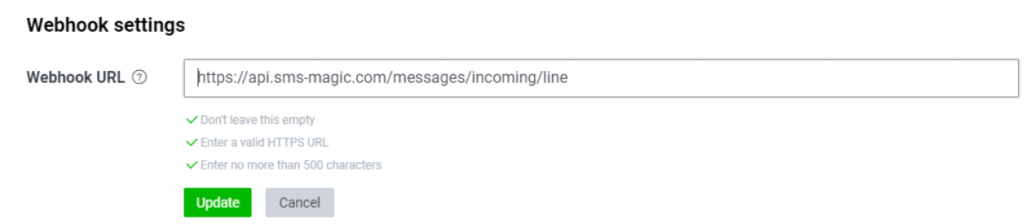
Once the Webhook URL is added, click on verify and it should give you a successful response
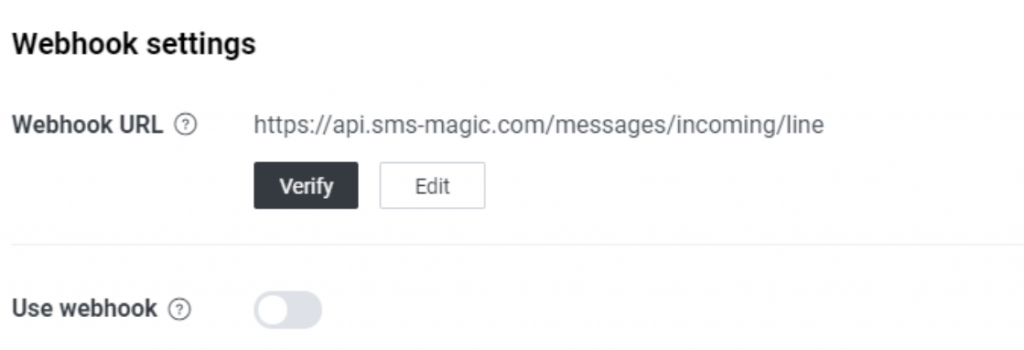
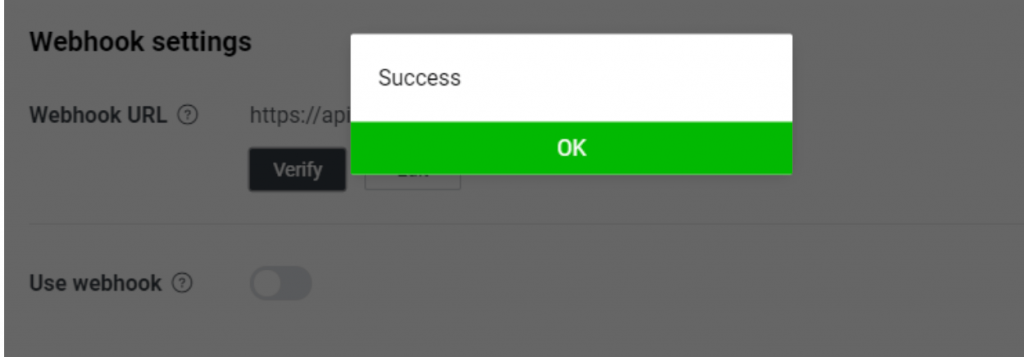
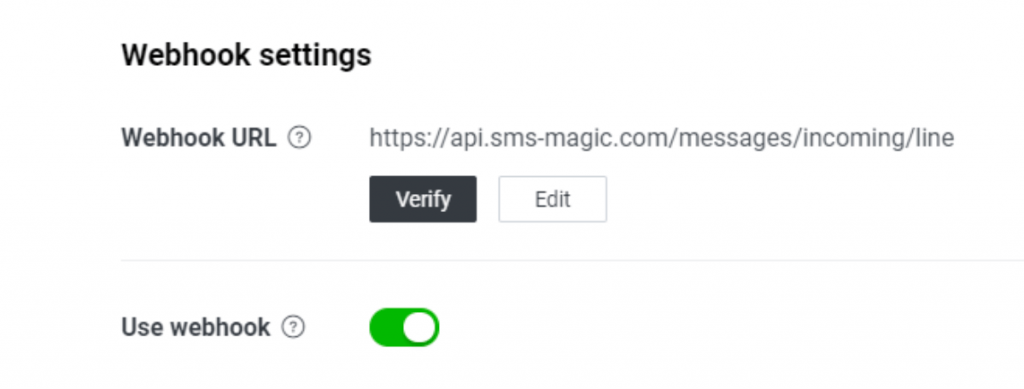
After that enable the Webhook URL using the toggle button given
In the ‘Messaging API section, disable the LINE official account features such as Allow Bot to join group chats, Auto-reply messages, and Greeting messages.
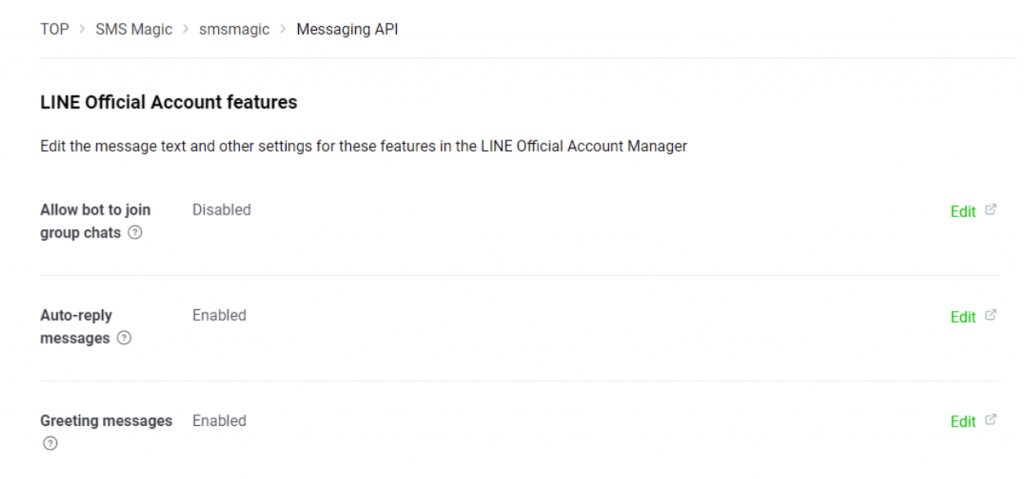
Click on the Edit option which will take you to the ‘LINE official account manager console’
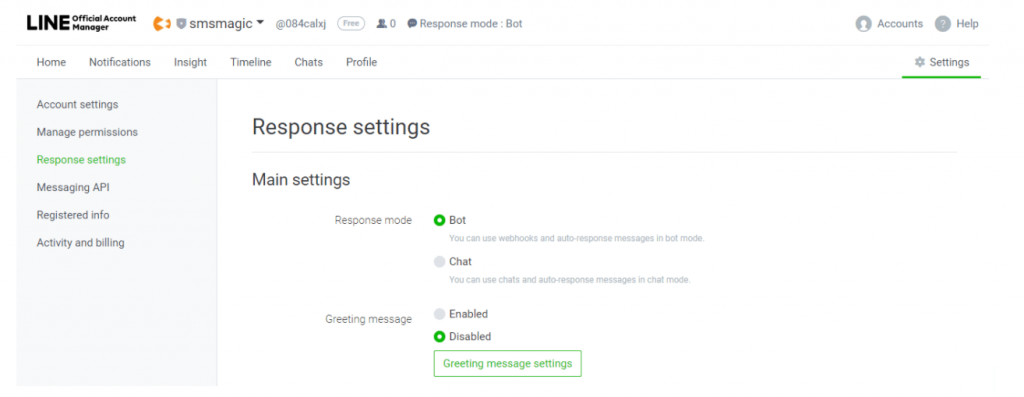
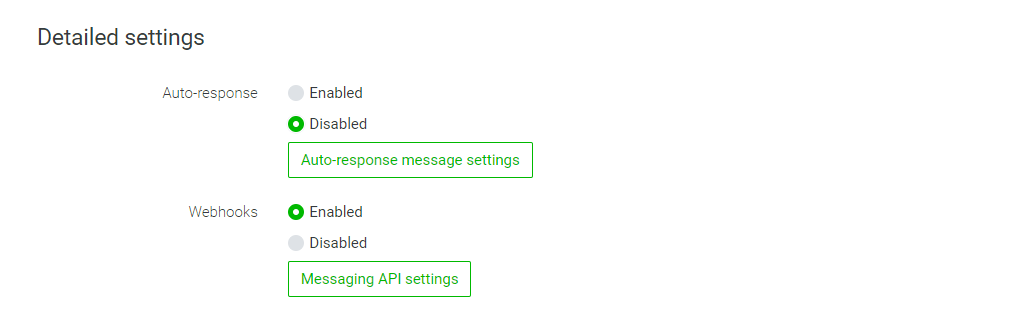
Verify that LINE official account features such as Allow Bot to join group chats, Auto-reply messages, and Greeting messages are disabled.
You are now ready to connect your LINE messaging account with SMS-Magic. Follow the next steps to send your first LINE message.
