To get started with LINE messaging using SMS-Magic, follow the below steps:
First, create a LINE account through a mobile app
If you already have a LINE account, skip to Enabling the LINE Messaging API
After having signed up with your phone number, you have two options to login; either activate your account using email registration or login using the QR code supplied by LINE."
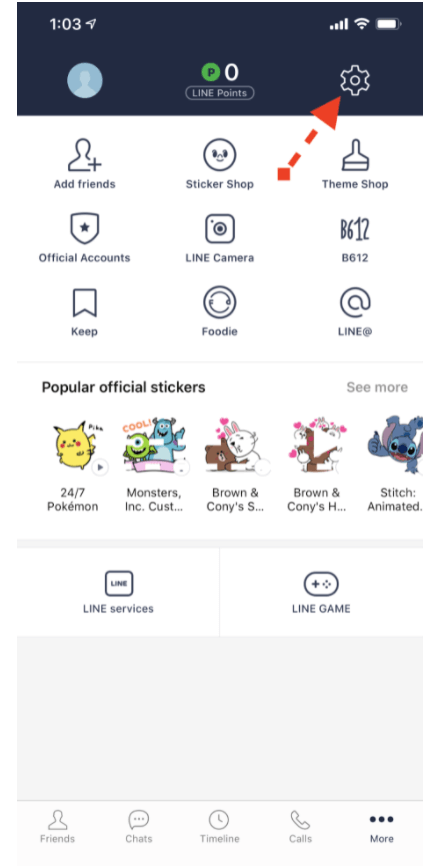
Go to the settings (see screenshot below) > account and click on “Email registration”
Enter your email address and password and click on the “Register” button
LINE will send you an email to confirm your registration