
Specific business use cases can be deployed within SMS-Magic, tailored for Litify, to streamline processes such as record creation, conversation history management, and notifications.
You can enhance their org’s functionality by deploying multiple business use cases directly from the Workspace Page.
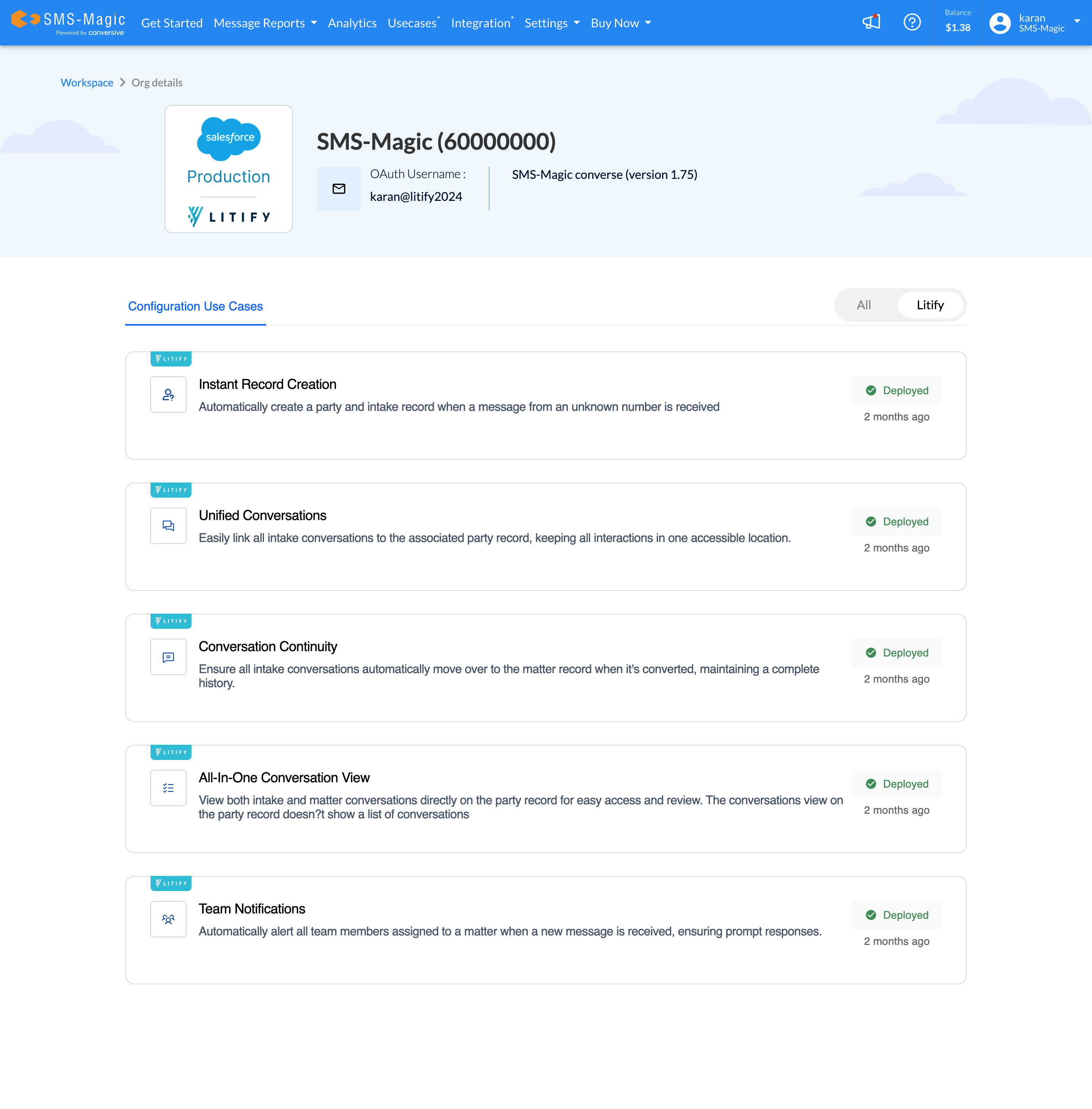
List of Configurations
Instant Record Creation:
This Automatically creates a party and intake record when a message from an unknown number is received or when an existing intake record converts to a matter.Unified Conversations:
When there is a new incoming message from an existing party or intake, it Easily links all intake conversations to the associated party record, keeping all interactions in one accessible location.Conversation Continuity:
This ensures all intake conversations automatically move over to the matter record when it's converted, maintaining a complete history.All-In-One Conversation View:
This use case makes sure that you can view both intake and matter conversations directly on the party record for easy access and review.Team Notifications:
Automatically alert all licensed team members assigned to a matter when a new message is received, ensuring prompt responses.
How to Deploy Configurations
To leverage this new feature and deploy use cases within your SF org, follow these straightforward steps:
Log in to the SMS-magic web portal.
Access the Workspace Page.

Click on 'View Details' below Installed and Configured.
You will see a list of available custom Configuration Use Cases. Select the use cases that best suit your organization's needs.
Click the Deploy button to initiate the deployment process.
