
SMS-Magic supports the following Zoho Data Centers.
US Data Center
EU Data Center
India Data Center
Australia Data Center

Choose the Data Center and you will be redirected to the Zoho CRM Login page. Enter your Zoho CRM credentials.
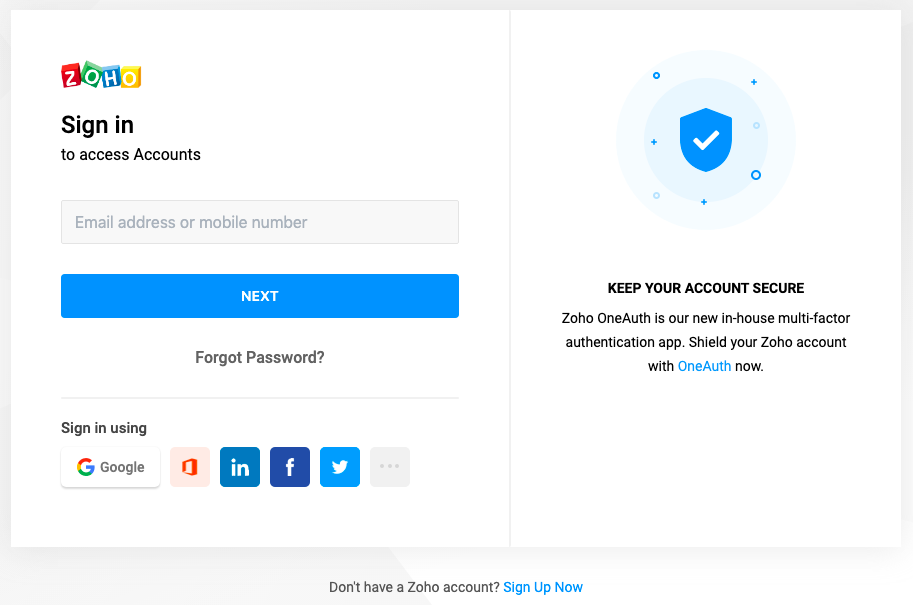

Click on the ‘Accept’ button to grant SMS-Magic access to the data in your Zoho CRM account. You will be automatically Signed In to the SMS-Magic Web Portal and redirected to the Home Page.
Note:
It is recommended that your Zoho CRM and SMS-Magic Data Centers are in same location. For India Data Center of Zoho, please use the US Data Center of SMS-Magic.
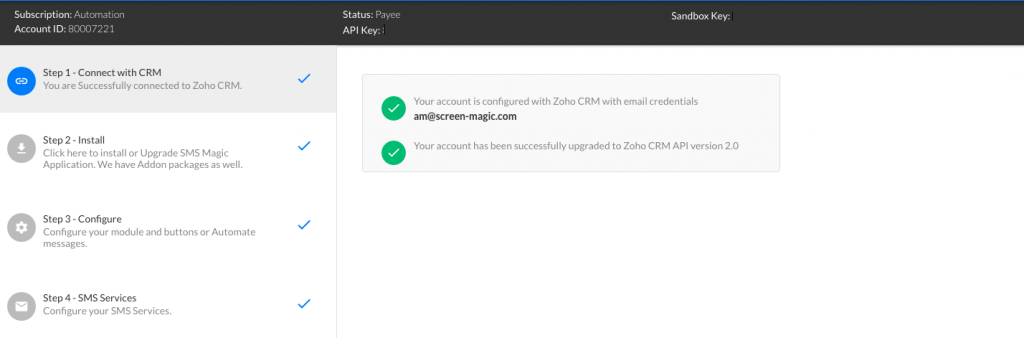
Visit here for more setup and installation information.
