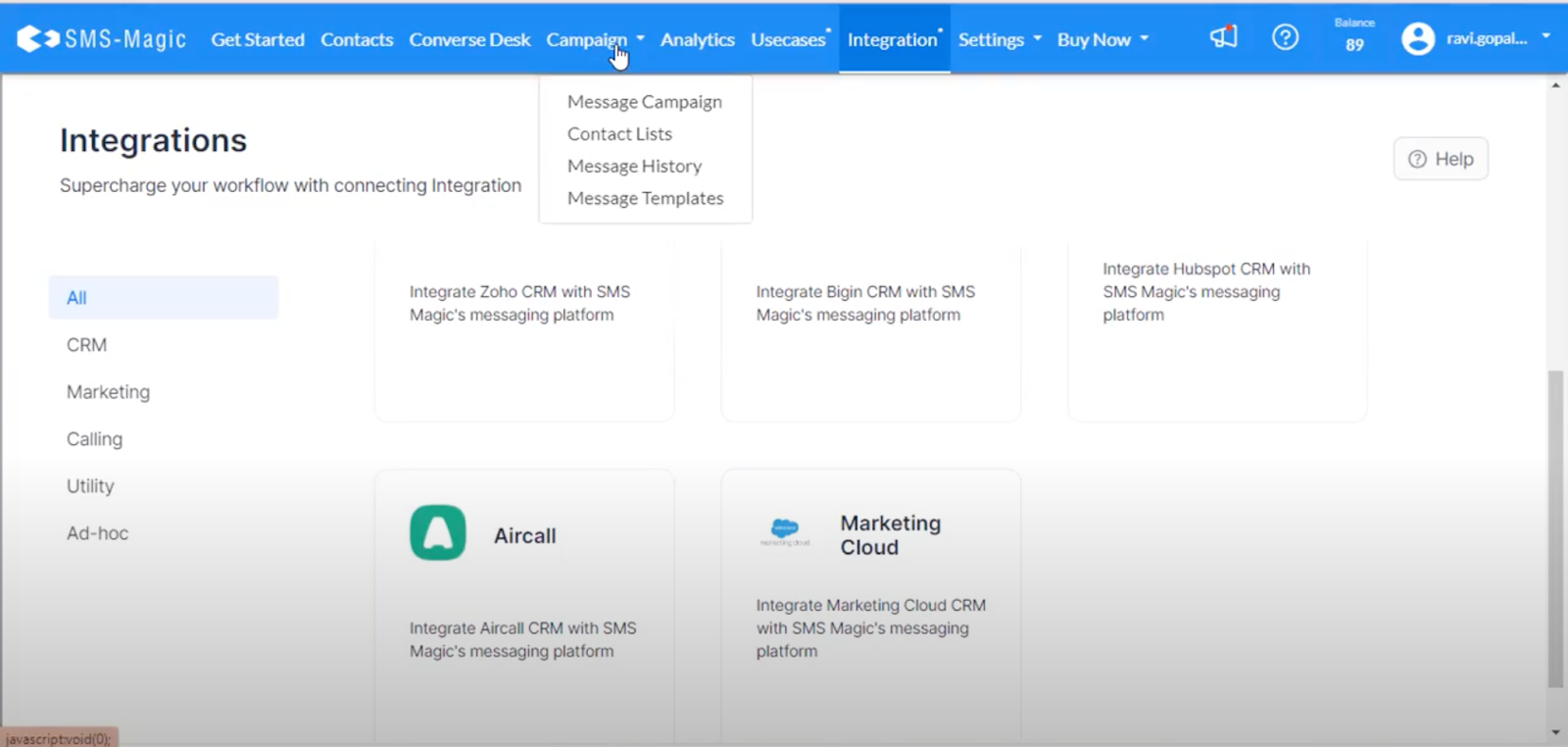
Post installation, you will need to configure the extension; follow below steps:-
Integrate
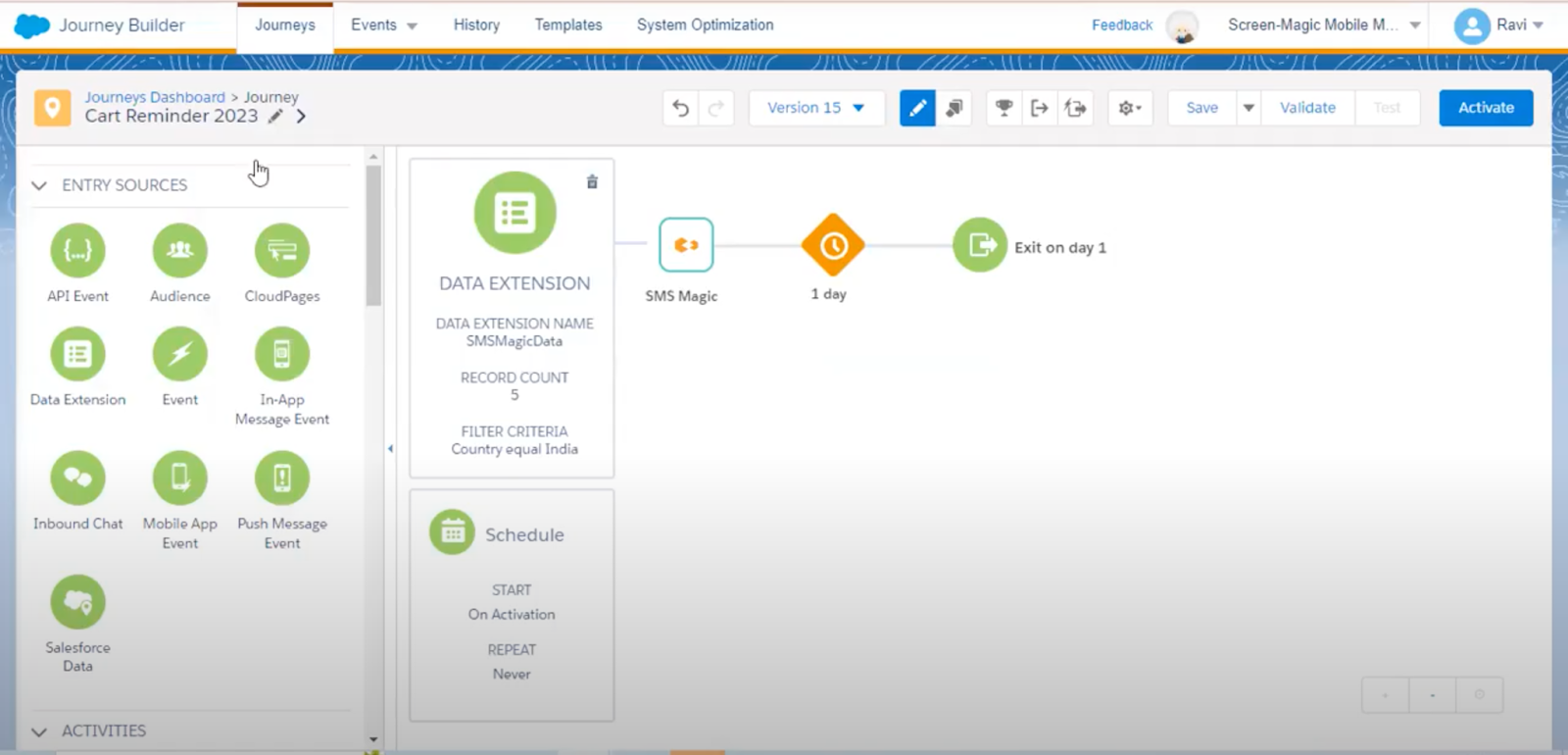
In Salesforce Marketing Cloud, select the Data Extensions area.
Import user data into the appropriate Data Extension, ensuring it includes information such as names, mobile numbers, and country codes.
Use the filter options to segment your data as required by your marketing strategy.
Create Messaging Templates
To create a new message template
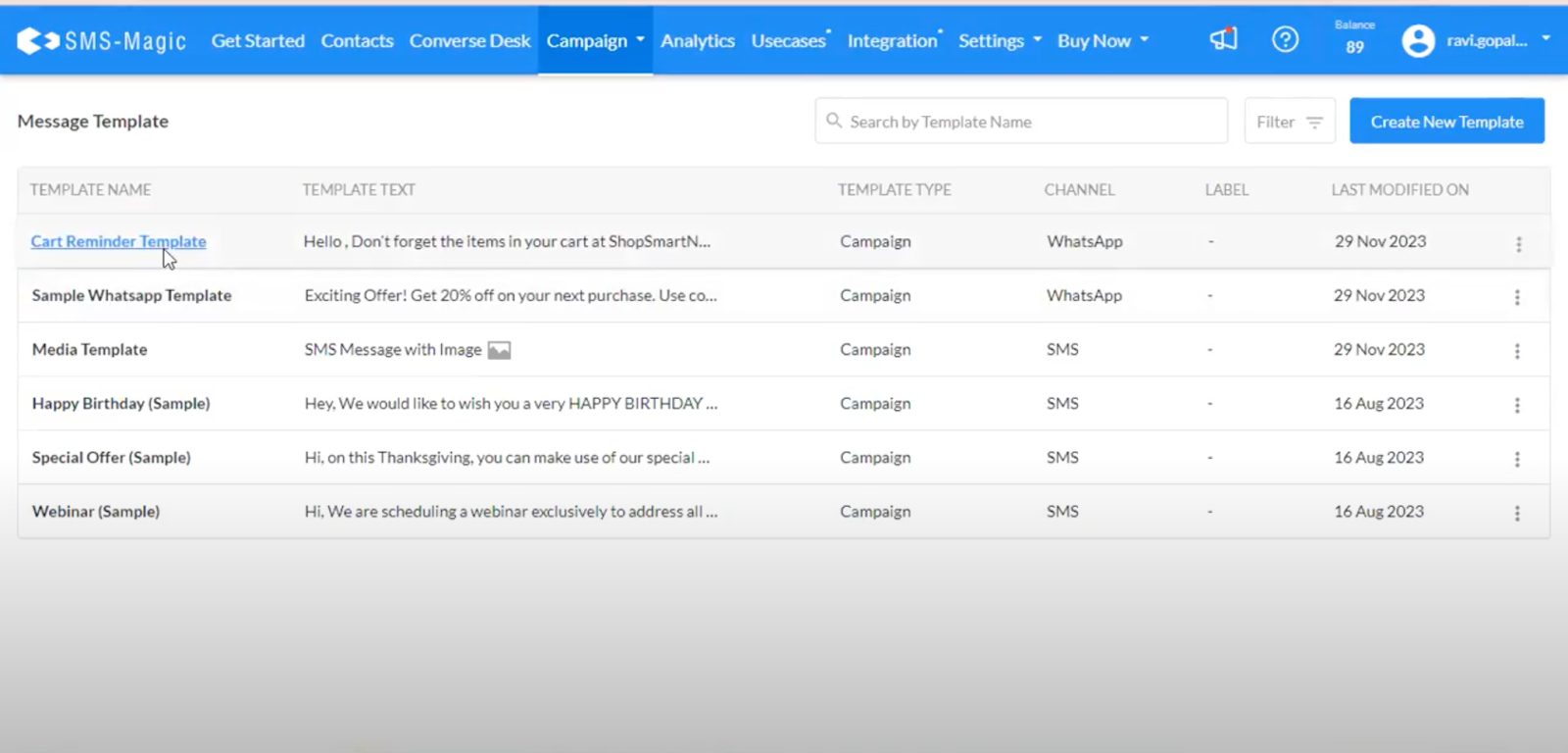
Go to the Campaign tab
Select Message Templates, and then Create New Template.