
To Create a New App:
1. In the SMS-Magic Converse application, click on the Converse Apps tab.
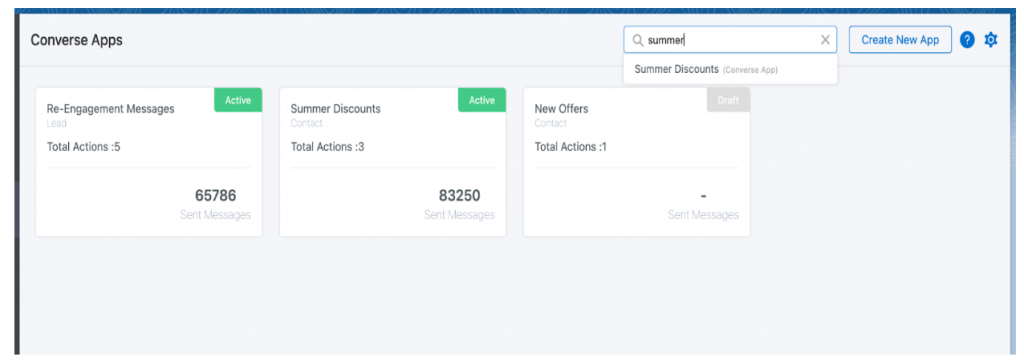
2. Click Create New App.

3. Enter a name in the App Name field.
4. Enter a short description of the app in the App Description text box. This is optional.
5. Select an object from the Object list.
The objects in the list appear depending on the objects that are configured in the Converse application.
6. Click Create.
