
The opt-out analysis, compliance enforcement stats, and agent productivity dashboards can be updated daily or monthly depending on the schedule of a ComplianceDashboardScheduler from Salesforce ‘Schedule Apex’ in the setup of your org.
Below are the steps to schedule a consent compliance & opt-out analysis:
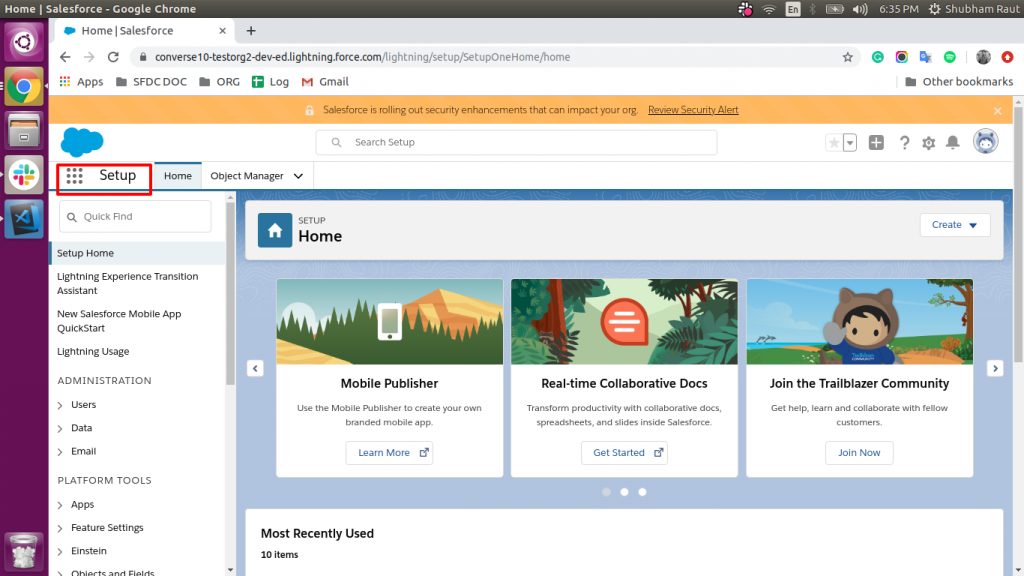
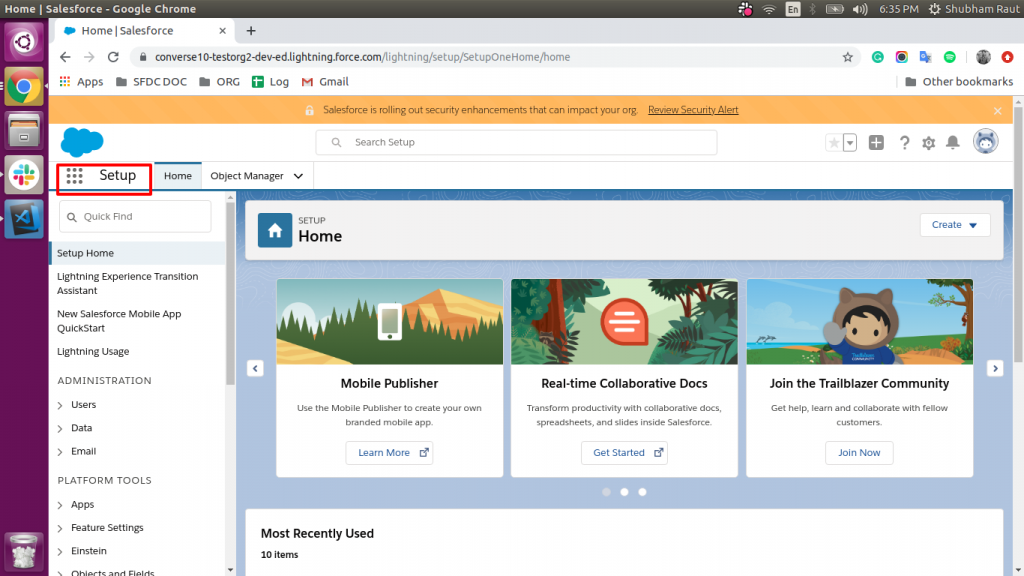
Go to the ‘Setup’ section
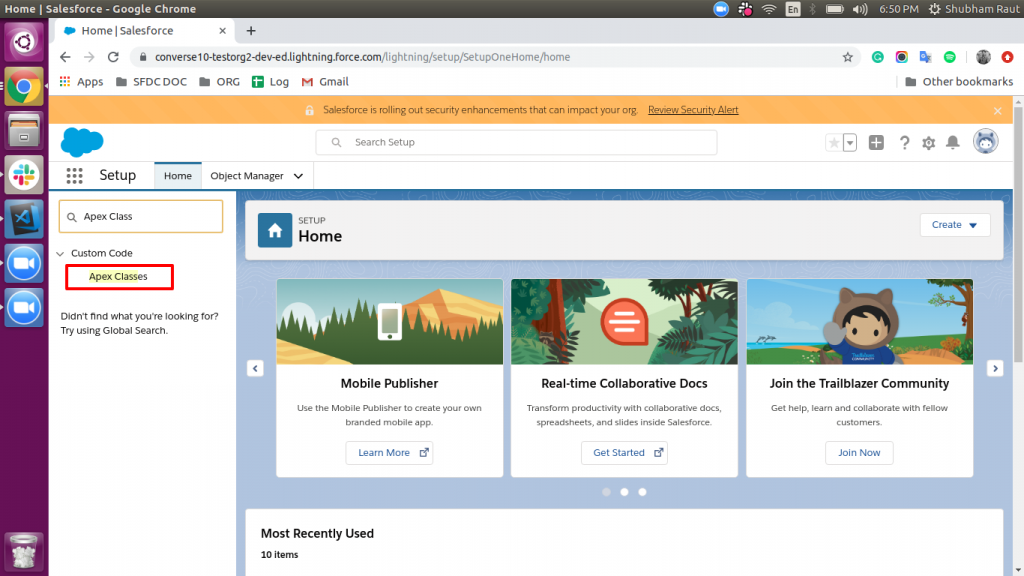
Search for ‘Apex Classes’
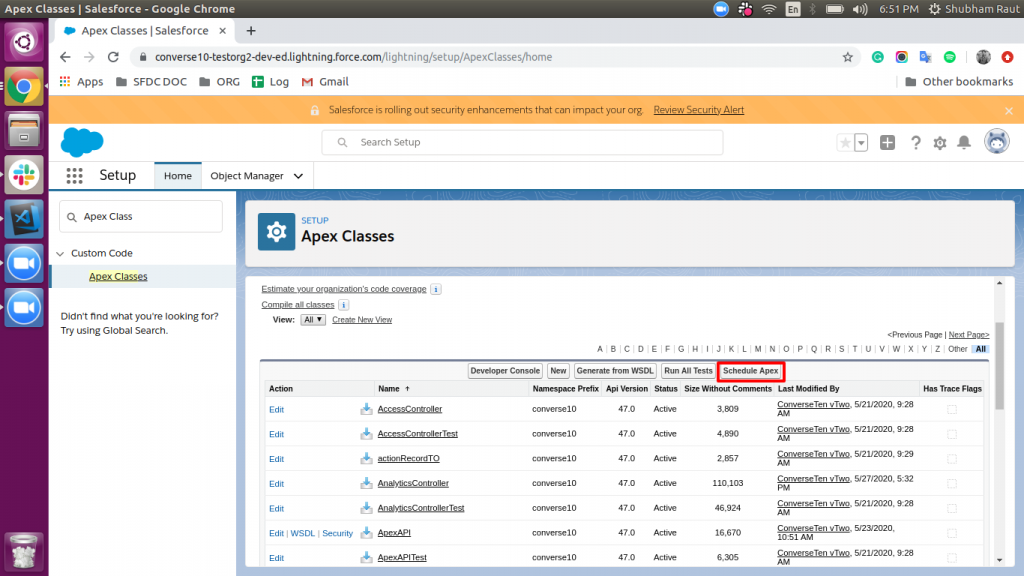
Click on the ‘Schedule Apex’ button
Fill the required data and click on the ‘Search’ icon (you can give any name to Job Name)
Select ‘ComplianceDashboardScheduler’ from the list
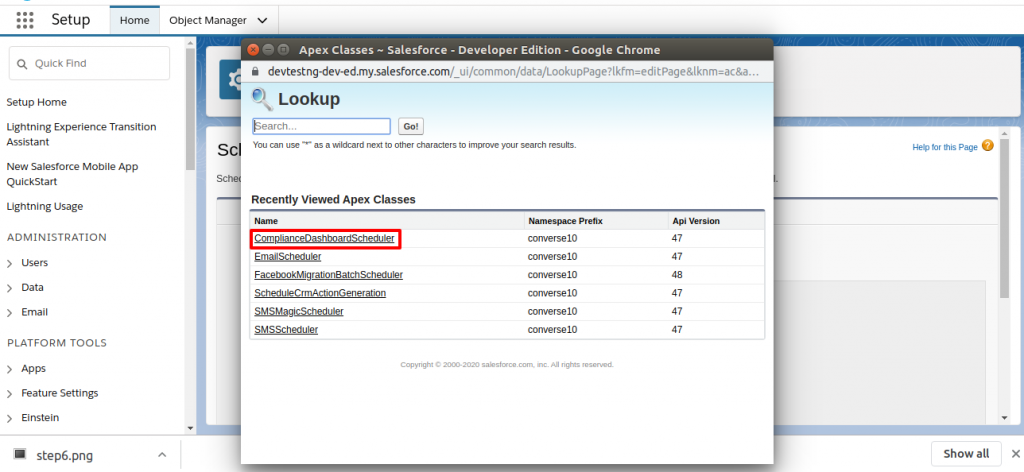
Select Frequency (Weekly / Monthly)
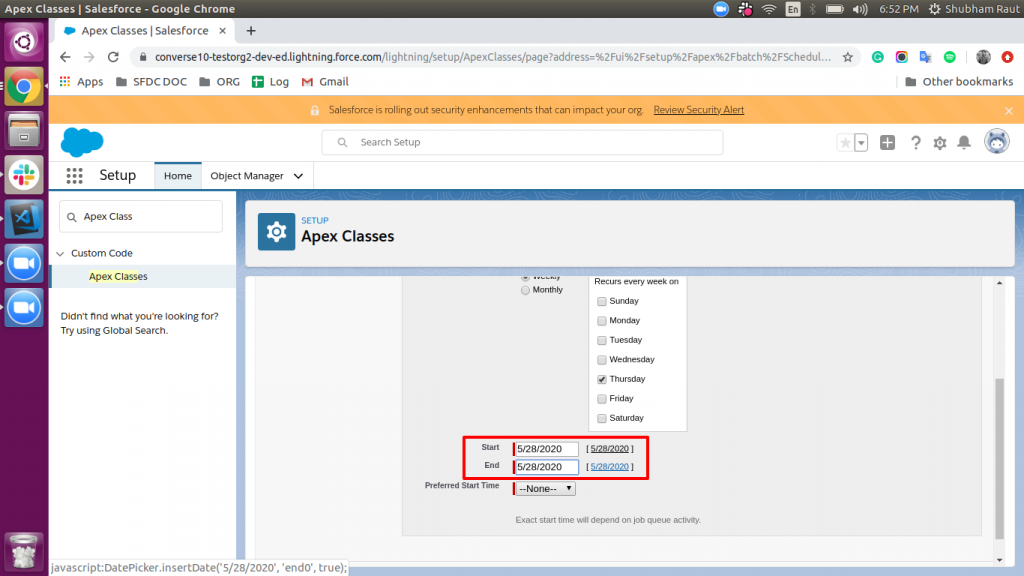
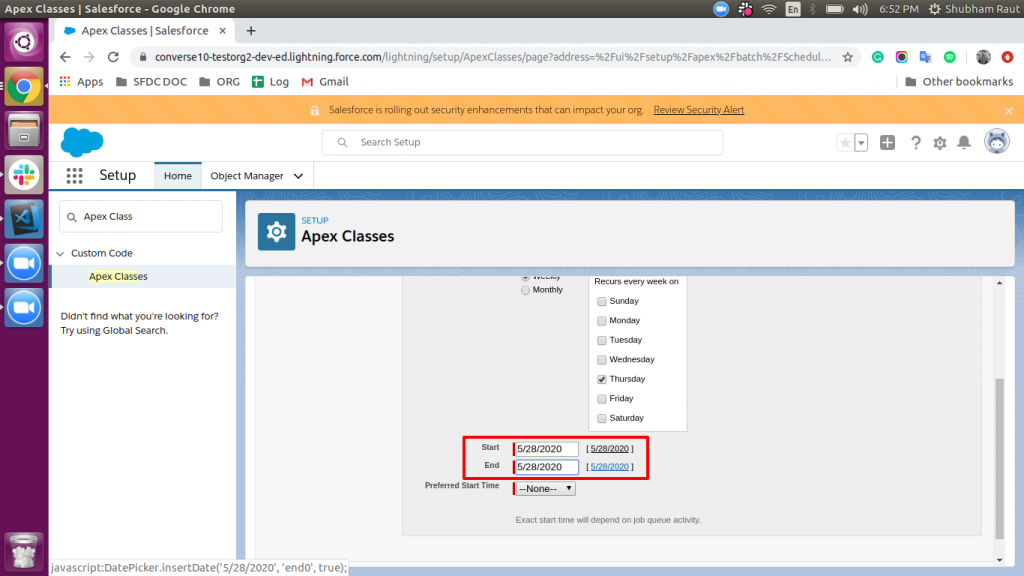
Select the start date, and end date in respective fields from the date calendar
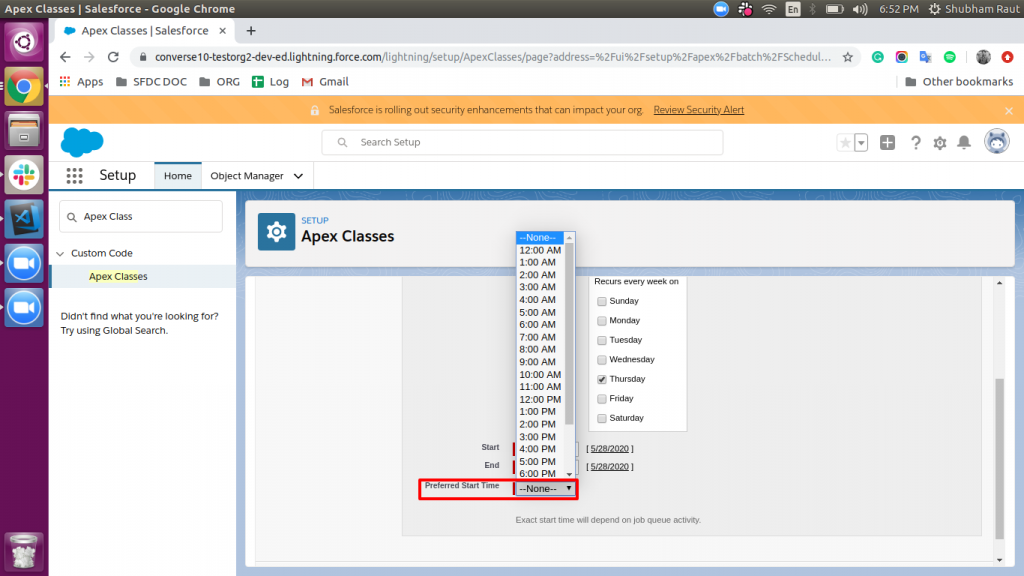
Select the preferred start time (time when you want to update the Dashboard)
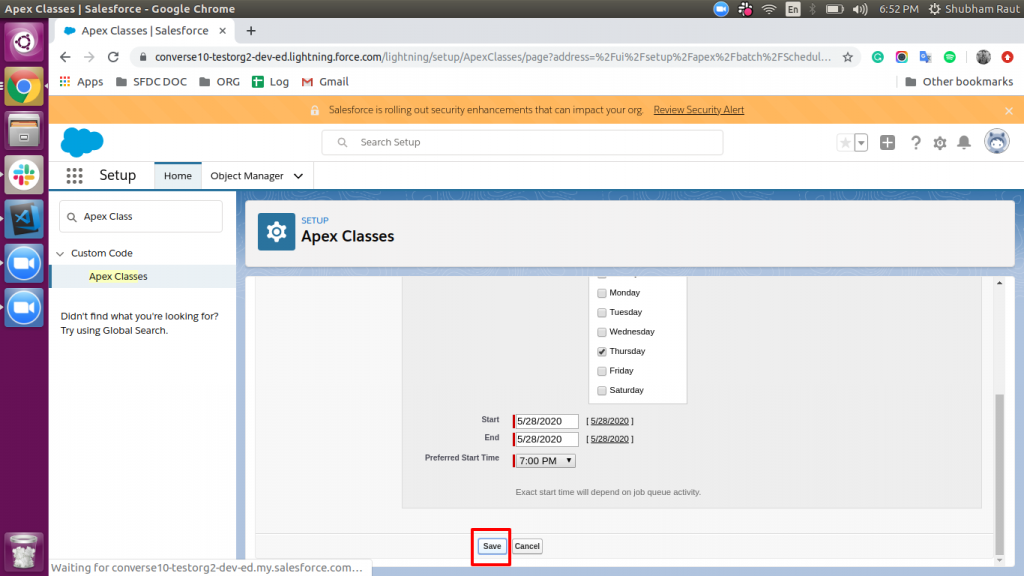
Click on the ‘Save’ button
To check the status of batch execution, go to the ‘Setup’ menu
Search for ‘Apex Jobs’
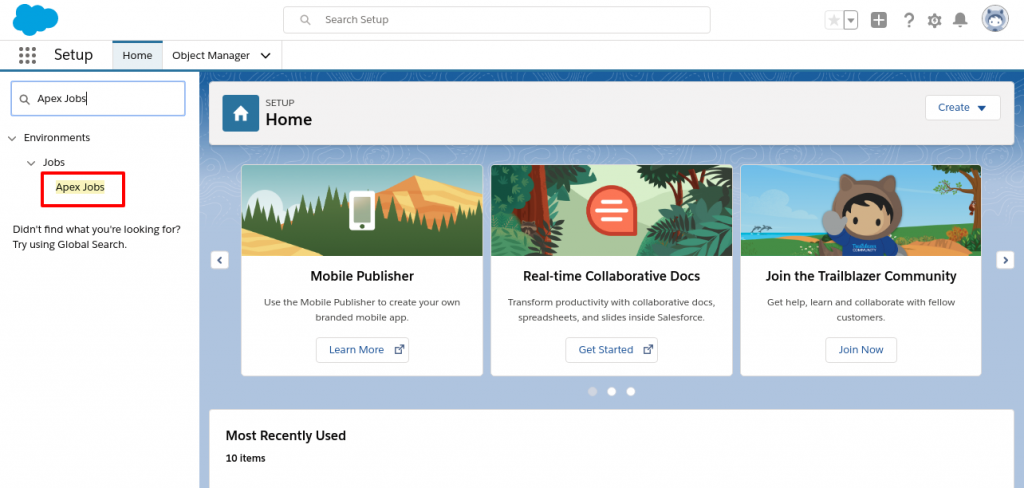
Check for the Status of Jobs. (Status indicates batch is executed or not)

